


Seamless Integration: Getting Started with Nila’s Simple Workflow
Seamless Integration: Getting Started with Nila’s Simple Workflow
Technology
2.min.
01/12/2025

Signe Klitgaard
Head of Operations


Seamless Integration: Getting Started with Curera’s Simple Workflow
Starting your journey with Nila should be as easy as logging in. That’s why we designed the platform for maximum accessibility: no special software or hardware installation is required.
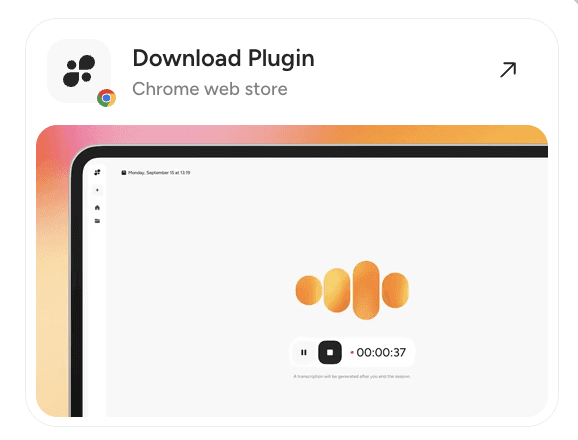
Nila works directly in your Google Chrome web browser, ensuring all tools are available the moment you log in. Not using Google Chrome, download for free here.
Quick Start with Nila
The core workflow is designed to be as fast as possible: simply write and finalize your notes within Curera, and then transfer them seamlessly to your existing journal system.
Boost Your Workflow with the Chrome Extension
For an even smoother and more efficient process, we recommend installing our Google Chrome extension.
With the extension, you can export your journal notes directly from Nila to your supported journal system with just one click.
If you don’t use the extension, or if your system is not yet supported for automated export, no problem—the text can still be copied and pasted manually into your journal system.
Supported Systems
Nila is built to integrate with the tools you already use. We currently support the following systems:
Lavendla Admin
CTNotes
Kaddio
EasyPractice
Meridiq
We continuously add support for more systems based on customer feedback. Moving forward, we will also be clarifying the sync button within the system to make the export process even more intuitive.
Seamless Integration: Getting Started with Curera’s Simple Workflow
Starting your journey with Nila should be as easy as logging in. That’s why we designed the platform for maximum accessibility: no special software or hardware installation is required.
Nila works directly in your Google Chrome web browser, ensuring all tools are available the moment you log in. Not using Google Chrome, download for free here.
Quick Start with Nila
The core workflow is designed to be as fast as possible: simply write and finalize your notes within Curera, and then transfer them seamlessly to your existing journal system.
Boost Your Workflow with the Chrome Extension
For an even smoother and more efficient process, we recommend installing our Google Chrome extension.
With the extension, you can export your journal notes directly from Nila to your supported journal system with just one click.
If you don’t use the extension, or if your system is not yet supported for automated export, no problem—the text can still be copied and pasted manually into your journal system.
Supported Systems
Nila is built to integrate with the tools you already use. We currently support the following systems:
Lavendla Admin
CTNotes
Kaddio
EasyPractice
Meridiq
We continuously add support for more systems based on customer feedback. Moving forward, we will also be clarifying the sync button within the system to make the export process even more intuitive.

Free up your time today
Join hundreds of therapists who have transformed their practice with intelligent documentation
Free up your time today
Join hundreds of therapists who have transformed their practice with intelligent documentation
Free up your time today
Join hundreds of therapists who have transformed their practice with intelligent documentation
From recording to structured notes
1.
1.
The therapist records the session (in-person or online);
The therapist records the session (in-person or online);
2.
2.
AI transcribes speech into accurate text;
AI transcribes speech into accurate text;
3.
3.
Smart algorithms identify key topics, emotions, and action points;
Smart algorithms identify key topics, emotions, and action points;
4.
4.
The system generates a structured summary with clear sections and formatting.
The system generates a structured summary with clear sections and formatting.
This workflow turns an hour of manual work into a few clicks.
This workflow turns an hour of manual work into a few clicks.

Share this post
About the author
Signe Klitgaard
Head of Operations
Signe Klitgaard is Head of Operations Therapy at Nila, focusing on mental health innovation and digital tools for therapists. She collaborates closely with clinicians to translate complex ideas into accessible, evidence-based insights.
Related articles
Related articles
Explore more insights from our team of experts
Explore more insights from our team of experts
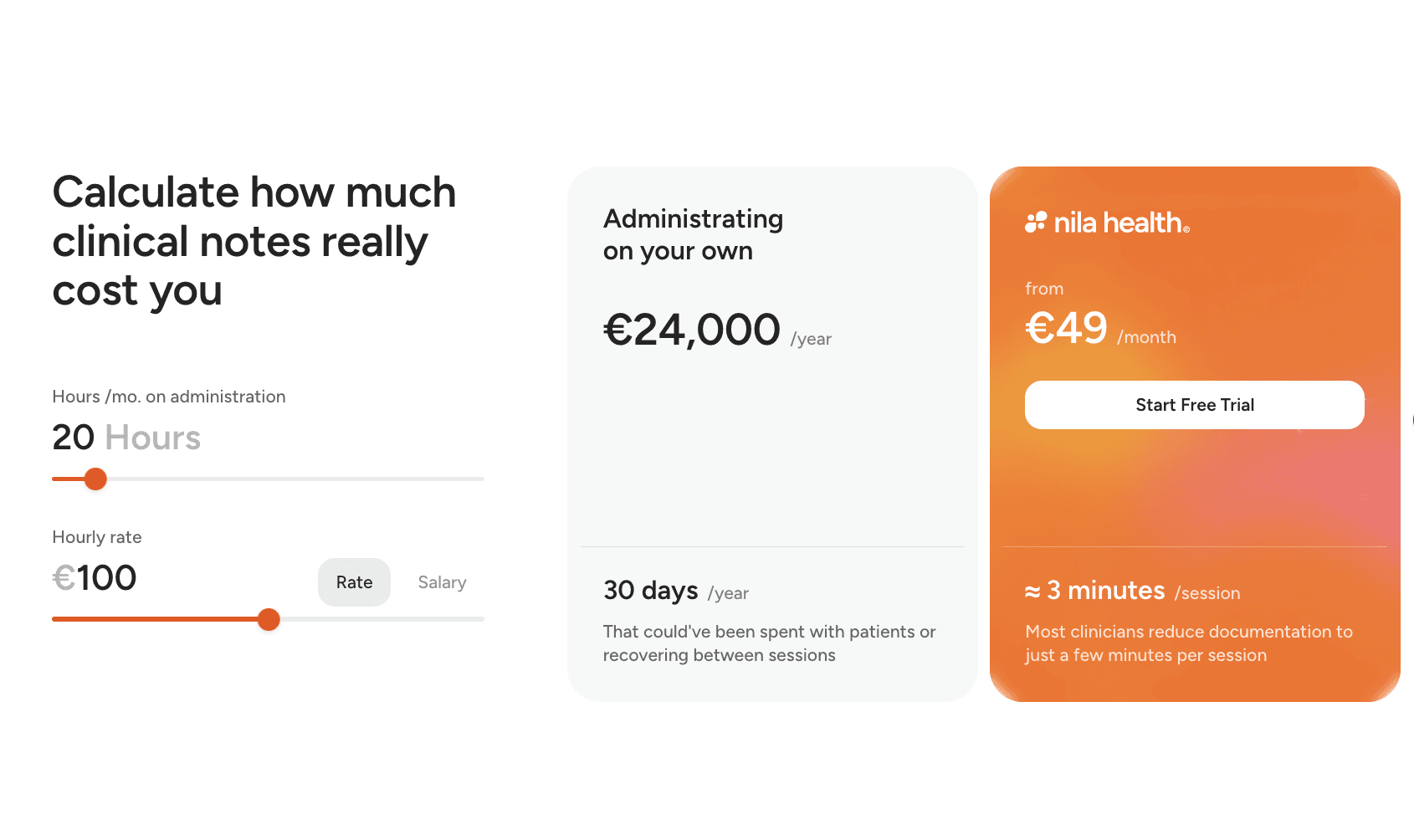
The Hidden Cost of Clinical Journaling
Many professionals feel the administrative burden consistently cuts into valuable patient and client time.
Technology
5.min.
Record Keeping – Compliance and the Nila Solution
Record Keeping is a central and legally required part of healthcare practice, and essential for ensuring high standards of patient care, safety, and quality.
Compliance
4.min.

About the team
Who is behind Nila?
Technology
1.min.
The Hidden Cost of Clinical Journaling
Many professionals feel the administrative burden consistently cuts into valuable patient and client time.
Technology
5.min.
Record Keeping – Compliance and the Nila Solution
Record Keeping is a central and legally required part of healthcare practice, and essential for ensuring high standards of patient care, safety, and quality.
Compliance
4.min.
About the team
Who is behind Nila?
Technology
1.min.
The Hidden Cost of Clinical Journaling
Many professionals feel the administrative burden consistently cuts into valuable patient and client time.
Technology
5.min.
Record Keeping – Compliance and the Nila Solution
Record Keeping is a central and legally required part of healthcare practice, and essential for ensuring high standards of patient care, safety, and quality.
Compliance
4.min.
About the team
Who is behind Nila?
Technology
1.min.
The Hidden Cost of Clinical Journaling
Many professionals feel the administrative burden consistently cuts into valuable patient and client time.
Technology
5.min.
Record Keeping – Compliance and the Nila Solution
Record Keeping is a central and legally required part of healthcare practice, and essential for ensuring high standards of patient care, safety, and quality.
Compliance
4.min.
About the team
Who is behind Nila?
Technology
1.min.
Free up your
time today
Free up your
time today
Free up your
time today
Join hundreds of therapists who have transformed their practice with intelligent documentation
Join hundreds of therapists who have transformed their practice with intelligent documentation
Join hundreds of therapists who have transformed their practice with intelligent documentation
A Lavendla product
A Lavendla product
4.7 / 5 on


ISO
27001
ISO
27001
ISO
27001
GDPR
Compliant
GDPR
Compliant
GDPR
Compliant
CE marking
EU-MDR
CE marking
EU-MDR
CE marking
EU-MDR


Terms & policy
Join our newsletter to stay up to date on features and releases
By subscribing you agree to with our Privacy Policy and provide consent to receive updates from our company.

© Nila Health AB 2026

Terms & policy
Join our newsletter to stay up to date on features and releases
By subscribing you agree to with our Privacy Policy and provide consent to receive updates from our company.
© Nila Health AB 2026
Terms & policy
Join our newsletter to stay up to date on features and releases
By subscribing you agree to with our Privacy Policy and provide consent to receive updates from our company.
Cookie settings
© Nila Health AB 2025
Terms & policy
Join our newsletter to stay up to date on features and releases
By subscribing you agree to with our Privacy Policy and provide consent to receive updates from our company.
© Nila Health AB 2026